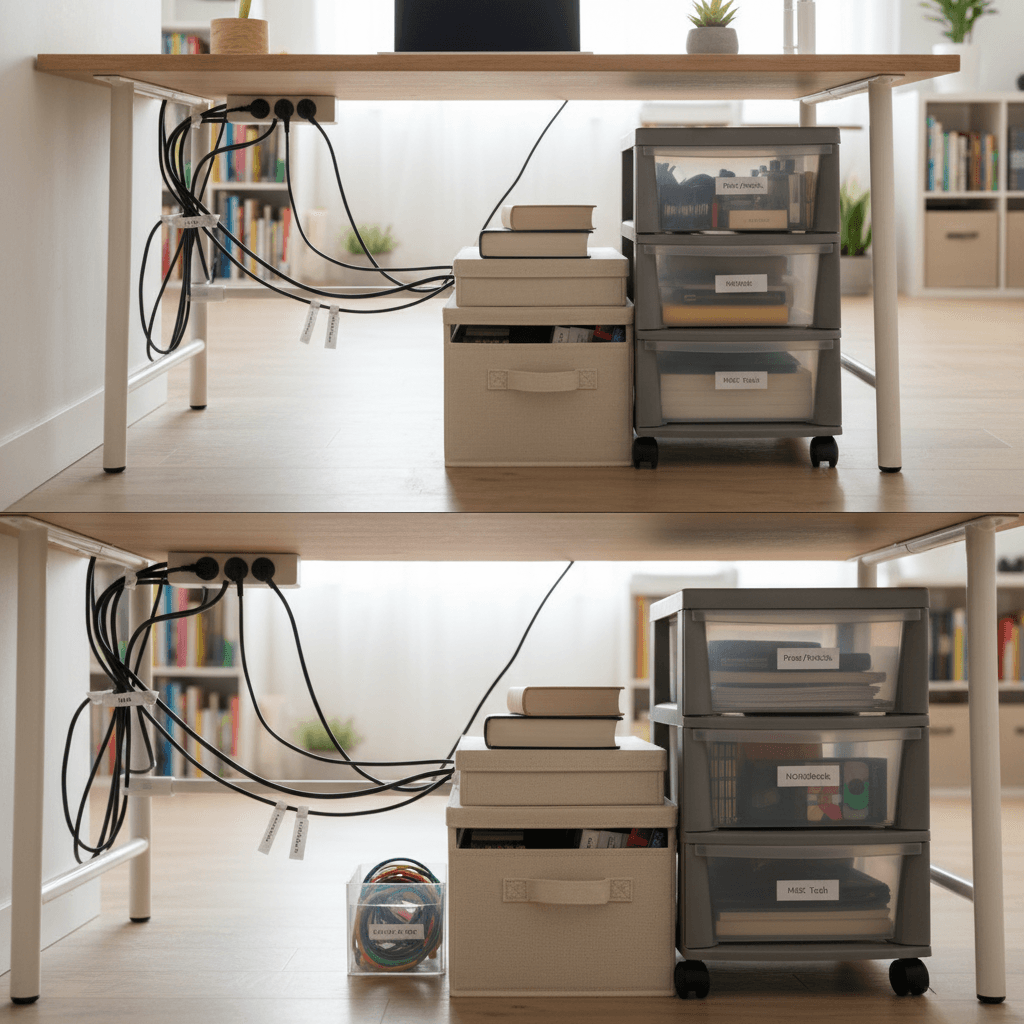
A high-tech smart studio apartment is a dream, but the reality is often a “spaghetti” of black cables trailing across the floor. In a small apartment, wires are visual clutter that makes a 25sqm space feel chaotic and unfinished.
To achieve a “Premium” look in 2026, you need to transition to Invisible Tech. Here is how to hide the wires and manage the chaos of your closet office and entertainment center.
1. The “Power Hub” Strategy
In a studio, you often only have one outlet in the “Living/Office” zone.
- The Solution: Use a high-quality cable management box.
- The Hack: Place your power strip inside the box. All the “brick” chargers and messy coiled wires stay inside, and only one clean power cord exits the box.
- Space Saving: Place the box on top of your furniture with legs sideboard or tucked under the desk so it’s off the floor.
2. Using “Raceways” to Match Walls
If you have a wall-mounted TV or a smart security camera, you likely have a cable hanging down.
- The Renter-Friendly Move: Use D-Line cable raceways with adhesive backing.
- The Pro Hack: Paint the raceway the exact same color as your wall. This makes the cable “architecturally” disappear into the flat surface.
3. The “Cable Spine” for Dynamic Desks
If you use a sit-stand desk in your cloffice, your cables need to move with you.
- The Gadget: A weighted cable spine or “Snake.”
- Why it wins: It bundles all your HDMI, power, and USB cables into a single, clean vertical column that looks like a design choice rather than an accident.
4. Under-Desk Velcro Logic
Plastic zip ties are permanent and annoying for renters who move often.
- The Strategy: Use Velcro cable ties and adhesive Velcro pads.
- The Setup: Mount your docking station, external hard drives, and power bricks directly to the underside of your desk.
- The Benefit: 100% of the surface of your desk remains clear for work, art, or indoor gardening prep.
| Cable Problem | Budget Fix | Premium Tech Solution |
|---|---|---|
| Spaghetti Floor | Cable Management Box | Wireless Power Furniture |
| Hanging TV Wires | Adhesive Hooks | Samsung “One Connect” Fiber |
| Desk Clutter | Velcro Ties | Integrated Desk Power Strips |
| Bedside Chaos | Magnetic Cable Holder | Built-in Wireless Charging Lamp |
5. Wireless Charging Integration
Every “Charging Cable” is another piece of visual noise.
- The Hack: Drill a small, hidden hole in a nightstand or bookshelf to install a flush-mount wireless charger.
- The Aesthetic: You simply set your phone down on the wood surface, and it charges. No cables, no clutter.