
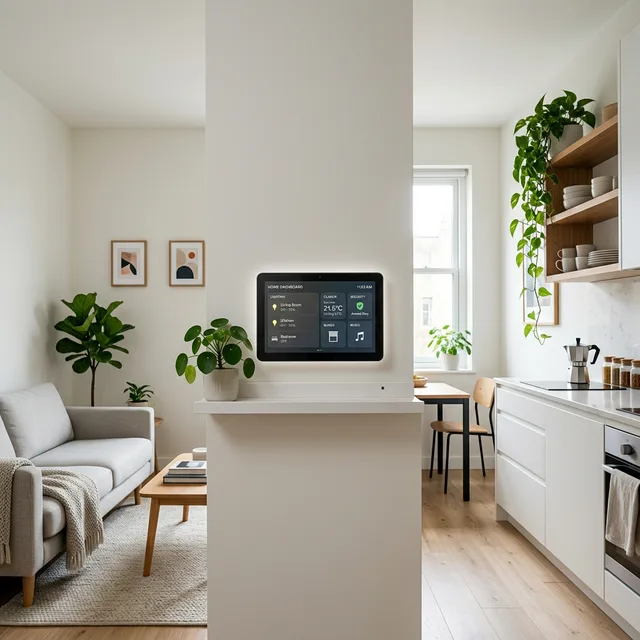
Living in a 25sqm studio isn’t just about saving space; it’s about maximizing the performance of every square inch. In a micro-apartment, your kitchen is your office, and your bedroom is your living room. When functions overlap this heavily, “smart” tech stops being a luxury and becomes a necessity for mental clarity and physical comfort.
As a renter in 2026, you don’t need to tear down walls or rewire the circuit board. Matter and Thread protocols have made the “hubless” smart home a reality. Here is how to build a high-efficiency smart studio setup that you can take with you when you move.
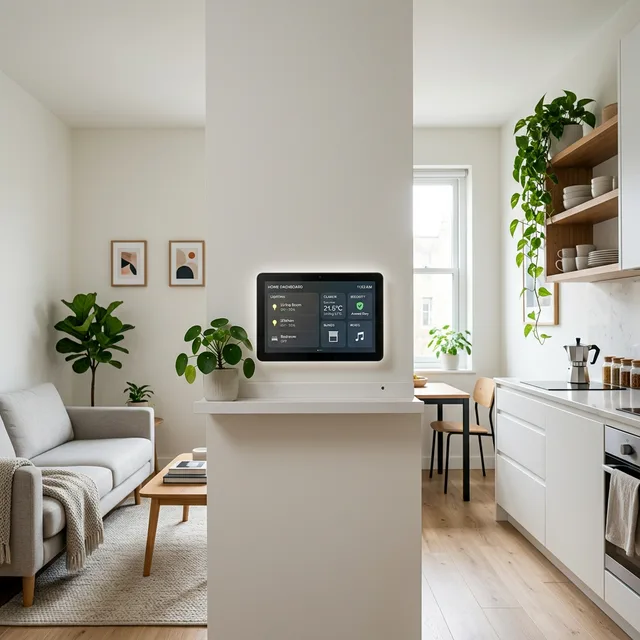
1. The Foundation: No-Bridge Connectivity
In a small space, you don’t want a shelf full of plastic bridges and hubs. The goal is a clean setup that disappears into the apartment.
- Matter-Compatible Devices: Look for the Matter logo. These devices communicate directly through your phone or a simple smart speaker (HomePod Mini or Echo Pop), cutting out the dedicated hub entirely.
- Wi-Fi 6 Mesh: Even in a studio, dead zones develop behind thick concrete walls. A compact Wi-Fi 6 mesh system ensures your smart bulbs don’t drop off the network mid-morning.
- Thread Border Router: If you’re using Thread-enabled devices (Eve, Nanoleaf), a HomePod mini or Apple TV 4K doubles as the border router. No extra hardware needed.
For a 25sqm studio, one compact router placed in the centre of the flat is sufficient. Avoid placing it in a drawer or behind the TV — airflow matters for both signal strength and hardware longevity.
2. Lighting: The “Zoned” Strategy
In a studio without physical walls, light is your primary tool for creating psychological separation between zones. The same 25sqm can feel like a focused office at 9am and a calm bedroom at 10pm — if the light says so. It all helps a studio feel like home.
- Circadian Lighting: Program your main lights to mimic the sun — bright blue-white (6,500K) at 10am to stay alert, warm amber (2,700K) at 6pm to begin winding down, and near-candlelight (1,800K) by 9pm to prepare for sleep.
- Task vs Ambient Split: Use smart LED strips under kitchen cabinets for task lighting. Add a smart bulb in a floor lamp behind your desk for ambient fill. This creates “visual rooms” without physical dividers.
- Renter-Friendly Installation: Smart LED strips stick to surfaces with 3M tape and remove cleanly. Peel-off adhesive mounts keep everything deposit-safe.
The most cost-effective setup for a 25sqm space is two tunable white bulbs (one ceiling, one floor lamp) plus one LED strip under the kitchen counter. Total budget: €60–€90. This covers the three zones — sleep, work, kitchen — with a single schedule.
Recommended Bulbs by Budget
| Budget | Product | Colour Range | Why It Works |
|---|---|---|---|
| €20–30/bulb | Govee Smart Bulbs A19 | 2,700K–6,500K | No hub needed, Matter support, app scheduling |
| €35–55/bulb | Philips Hue White Ambiance | 2,200K–6,500K | Best app, “Natural Light” routine built-in |
| €25–35/bulb | LIFX A19 | 1,500K–9,000K | Widest range, no hub, fast response |
3. The Smart Power Grid
The easiest renter-friendly win is the smart plug. No wiring, no drilling — just plug in between the device and the wall socket.
- Automate the “Dumb” Stuff: Put your coffee maker, box fan, and grow lights for balcony plants on smart plugs with scheduled on/off times. This is the fastest way to reduce cognitive load in a micro-apartment — the flat manages itself.
- Energy Monitoring: Plugs with kWh tracking (Eve Energy, TP-Link Kasa) show exactly which devices drive up your electricity bill. In a studio, the mini-fridge and portable AC are typically the largest loads.
- Away Mode: Set a “simulate occupancy” routine when you travel — lights turn on and off on a randomised schedule to make the flat look occupied.
| Device | Budget Pick | Premium Pick | Studio Use Case |
|---|---|---|---|
| Smart Lighting | Govee LED Strips (€25) | Philips Hue Gradient (€80) | Zone separation without walls |
| Smart Plugs | TP-Link Kasa (€15) | Eve Energy — Matter (€35) | Scheduled appliances + energy monitoring |
| Climate Sensor | Govee WiFi Thermometer (€12) | Ecobee Remote Sensor (€45) | Prevent humidity spikes from cooking |
| Smart Speaker / Hub | Amazon Echo Pop (€30) | Apple HomePod Mini (€99) | Voice control + Thread border router |
4. Multi-Functional Workstations
Your desk is both your office and your dining table. Smart automation helps it switch roles without physical reorganisation.
- Motion-Activated Desk Lamp: A motion sensor under the desk triggers the task light automatically when you sit down. This eliminates the ritual of “arriving” at your desk — the workspace activates for you.
- Voice-Command Focus Mode: “Hey Siri, work time” → smart blinds close, phone switches to Do Not Disturb, overhead light shifts to 5,000K cool white. One command, full context switch.
- USB-C Power Hub: A compact 6-port USB-C hub on the desk handles your monitor, laptop, keyboard, and phone charging in one cable. Significantly reduces the “visible wire chaos” that makes small apartments feel cramped.
The psychological benefit in a studio is significant. The visual and lighting cues of “work mode” versus “rest mode” replace the physical separation that a separate room would provide. Research on environmental context and cognitive performance supports this — different sensory environments reinforce different mental states. Layer in smart lighting.
5. Renter-Friendly Climate Automation
Temperature and humidity can become oppressive in a sealed 25sqm box, especially if you cook, have indoor plants, or run a portable AC unit.
- Smart AC/Heater Controllers: Devices like Sensibo Air plug into your existing “dumb” window unit and add WiFi control, schedules, and temperature-triggered automation. No landlord permission needed — it attaches to the existing remote receiver.
- Humidity-Triggered Dehumidifier: If indoor plants or apartment composting raises your humidity above 60%, a smart sensor linked to a compact dehumidifier kicks it on automatically. The target for studios is 40–55% relative humidity.
- Air Quality Monitoring: A compact sensor (Airthings Wave Mini, €80) tracks CO₂, temperature, and humidity in real time. In a studio where cooking, sleeping, and working all happen in the same space, CO₂ buildup from breathing is measurable and affects alertness. The threshold for noticeable cognitive impact is around 1,000 ppm — many sealed studios hit this by mid-morning without ventilation.
6. Security Without Permanent Hardware
Smart security in a rental needs to be entirely removable. Three renter-friendly options cover 95% of use cases. Add smart security for solo renters.
- Smart Lock (Keypad + App): Devices like the Yale Linus Smart Lock (€150) replace only the interior cylinder, requiring no exterior drilling. Most UK and EU doors are compatible. Your landlord sees the same exterior lock; you get app control and temporary access codes.
- Peephole Camera: A peephole replacement camera (Eufy DualCam 2K) shows who’s at the door on your phone. Installs in the existing peephole — no drilling, no wiring.
- Window/Door Sensors: Adhesive contact sensors (Eve Door & Window, €30) alert your phone if a window or door opens unexpectedly. Battery-powered, mount with 3M tape.
What to Prioritise First: A Build Order
If you’re setting up a smart 25sqm studio from scratch, build in this order. Each layer adds value on its own — you don’t need to complete all six before seeing results.
- Smart bulbs in main ceiling light (€30–55) — immediate sleep and focus impact
- Smart plugs on coffee maker and fan (€15–30) — reduces morning friction
- Climate sensor (€12–45) — baseline data before buying AC controller
- LED strips under kitchen cabinets (€20–25) — biggest visual upgrade per euro
- Smart speaker / hub (€30–99) — unlocks voice control and automations
- AC controller (€60–80) — biggest comfort upgrade, especially summer
Safety Disclaimer
Always ensure your smart home hub (HomePod, Echo, or mesh router) has adequate ventilation and is not tucked into a tight, unventilated space. Overheating causes network drops and hardware failure. When setting up “Away” routines, ensure critical devices (smart sensors, security cameras) remain powered 24/7 and are not on plugs that turn off.
