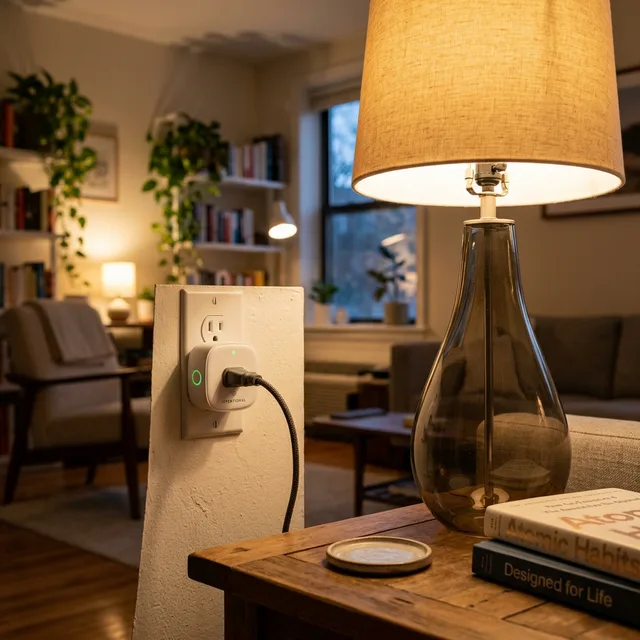
In a small studio, every appliance counts—not just for space, but for your electricity bill. The “phantom load” from electronics that are plugged in but not in use can account for up to 10% of your energy costs. For a renter, the humble Smart Plug is the single most powerful tool for creating a high-efficiency home without touching the electrical wiring.
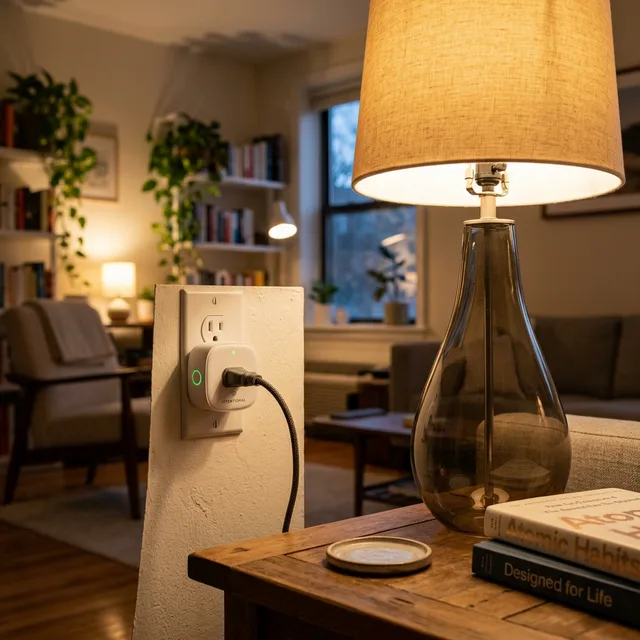
Here are 5 intentional ways to use smart plugs to optimize your studio life and lower your overhead.
1. The “Anti-Phantom” Kill Switch
Devices like TVs, gaming consoles, and microwave displays draw power 24/7.
- The Hack: Connect your entire entertainment center to a single smart power strip. Set an automation to cut the power completely at 1:00 AM and restore it only at 6:00 PM when you actually use it.
- Why it works: You stop paying for “standby” power that you don’t need while sleeping or at work.
2. The Morning “Pre-Heat” Routine
Small apartment kitchens often lack high-end programmable appliances.
- The Hack: Plug your “dumb” drip coffee maker or an electric kettle into a smart plug. Preset the physical switch to “ON” before you go to bed.
- The Routine: Set a schedule for 7:30 AM. By the time you get out of bed, your coffee is already hot. No more waiting around in a cramped kitchen area.
3. Humidity-Based Dehumidification
In micro-apartments, activities like showering or apartment composting can cause humidity to skyrocket, leading to mold or damp air.
- The Hack: Link a smart plug (connected to a dehumidifier) to a standalone smart humidity sensor.
- The Rule: If humidity > 60%, turn the plug ON. If humidity < 45%, turn the plug OFF. This protects your electronics and your health automatically.
4. The “Old Fan” Smart Upgrade
Air circulation is critical in studios with only one window.
- The Hack: Take a standard mechanical box fan and connect it to a smart plug.
- The Scenario: “Alexa, turn on the breeze.” You can now control airflow from your bed or desk without getting up. You can also set it to turn off at midnight so you don’t wake up cold.
5. Smart Charging Protection
Overcharging laptops and tablets 24/7 can degrade their battery life over time.
- The Hack: Plug your chargers into a smart plug.
- The Automation: Set a “Charge Mode” timer for 3 hours. This way, you can plug in your devices before bed, and the power will cut off automatically once they are full, saving energy and preserving your hardware.
| Strategy | Est. Energy Savings | Effort Level | Perfect For |
| Kill Switch | 5-10% monthly | Low | Gaming setups, TVs |
| Morning Routine | Time Savings | Low | Coffee drinkers |
| Climate Link | Comfort & Safety | Medium | Plant owners, Renters |
| Charging Timer | Device longevity | Low | Remote workers |
Pro-Tip: The “Leaving Home” Master Button
If you use an ecosystem like Apple Home or Google Home, create a scene called “Away Mode.” Link every smart plug in the house. As you walk out the door, one voice command ensures that the iron, the heater, and the TV are all 100% disconnected. Peace of mind is the ultimate efficiency.
Safety Disclaimer
Always ensure your smart plugs are rated for the high-wattage appliances you connect to them. Never use a low-rated (10A) plug for a space heater or electric kettle; look for 15A/1800W rated plugs for heavy loads. Ensure your apartment’s electrical circuit can handle the simultaneous load of multiple automated appliances.